Most website speed advice comes in two flavors. One says a slow site is killing your rankings and you need a full rebuild. The other says speed barely matters as long as the content is good. Neither is quite right, and both cost service businesses money.
Here's the honest version: speed is rarely the reason a page ranks, but it's often the reason a visitor leaves before calling. This guide covers what Google actually measures, how much it matters, how to check your own site in ten minutes, and the fixes that make the biggest difference on a typical service business website.
What are Core Web Vitals?
Core Web Vitals are the three measurements Google uses to judge how a page feels to a real visitor. Google's Search Central documentation lists them with these targets:
- Largest Contentful Paint (LCP) measures loading. It's how long the biggest thing on the screen, usually the main image or headline, takes to appear. Google's target is within 2.5 seconds.
- Interaction to Next Paint (INP) measures responsiveness. It's how quickly the page reacts when someone taps a button, opens a menu, or starts typing in a form. The target is under 200 milliseconds.
- Cumulative Layout Shift (CLS) measures visual stability. It's how much the page jumps around while loading, like when a banner appears and pushes the button you were about to tap. The target is a score under 0.1.
INP is the newest of the three. It replaced First Input Delay in March 2024, and it's stricter, because it looks at every tap on the page instead of only the first one.
How much does page speed affect SEO?
Less than most speed tools imply, and more than most business owners assume.
Google's documentation says Core Web Vitals, along with other page experience aspects, align with "what our core ranking systems seek to reward." But its page experience guide is just as clear about the limits: Google "always seeks to show the most relevant content," even when the page experience is poor. A great score "doesn't guarantee that your pages will rank at the top."
In practice, speed works like a tiebreaker. When several pages answer a search equally well, the faster, more stable one has an edge. When your page is the only one that really answers the question, a slow load won't stop it from ranking.
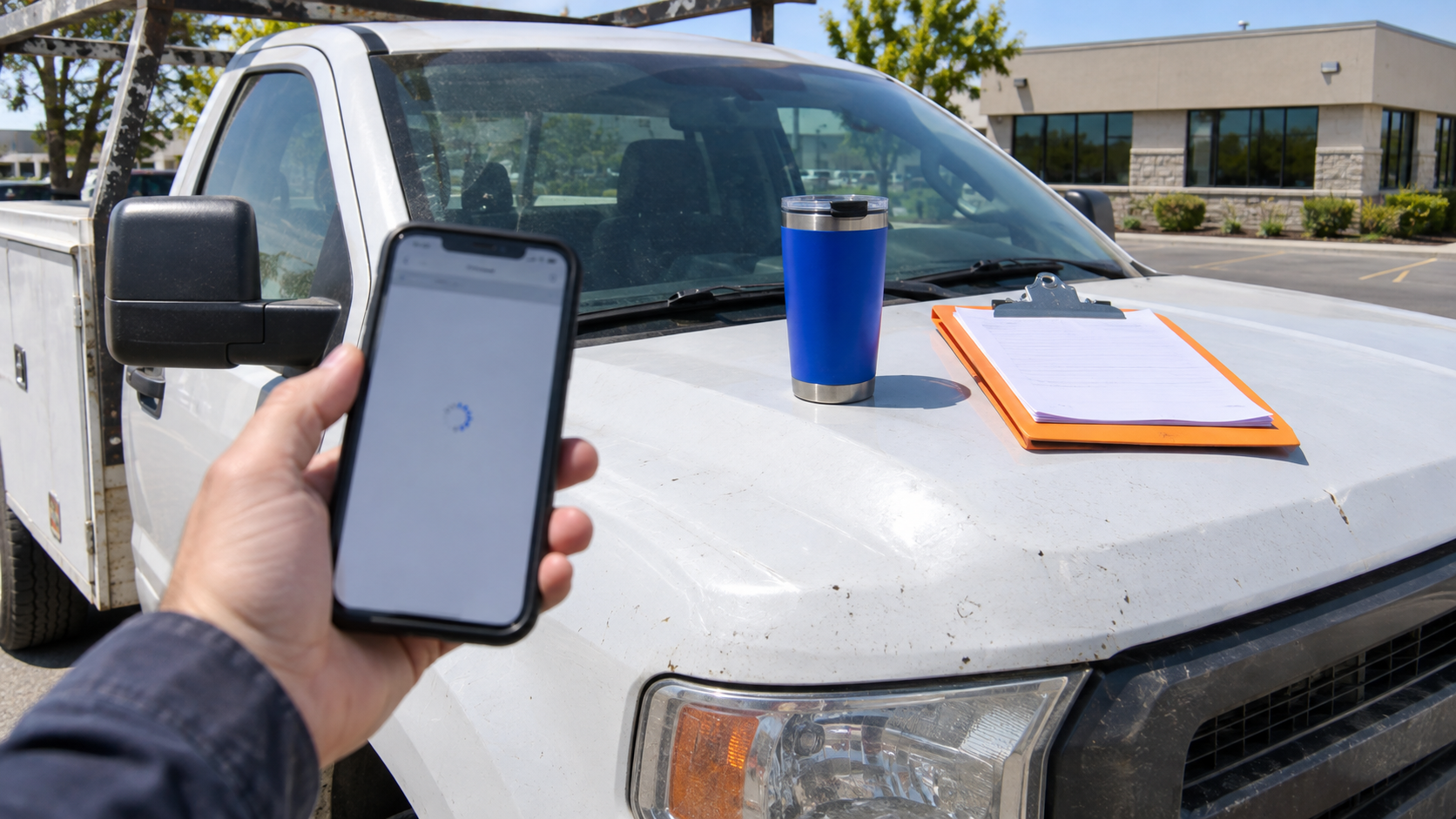
That's why the bigger reason to fix speed isn't Google at all. It's the buyer standing in a parking lot with one bar of signal, tapping your link from the map. If the page is blank for four seconds, they hit back and call the next company. You never see it in your analytics, because they never fully arrived.
How common is a slow site?
Very. The HTTP Archive's 2025 Web Almanac, which uses real visitor data from Chrome, found that only 48% of websites pass all three Core Web Vitals on mobile. On desktop it's 56%.
On mobile, loading is the weak spot: 62% of sites hit the LCP target, compared with 77% for INP and 81% for CLS. So if your site passes on phones, you're ahead of about half the web. If it doesn't, the most likely problem is the main image.
How to check your site in ten minutes
1. Run PageSpeed Insights on your top pages
Go to Google's PageSpeed Insights and test your homepage and your most important service page. Run the mobile test first. That's where most of your visitors are, and it's the harder test.
The report has two parts, and the difference matters:
- The top section shows field data, collected from real Chrome users who visited your site over the last 28 days. This is what Google uses. If your site doesn't get enough traffic, this section may say there isn't enough data.
- The bottom section shows lab data, a single simulated test on a slow phone. It's useful for finding causes, but the score bounces around from run to run. Don't panic over a 54 that becomes a 61 on the next try.
2. Check the Core Web Vitals report in Search Console
If you have Google Search Console set up, its Core Web Vitals report groups your pages into good, needs improvement, and poor. It's the fastest way to see whether the problem is one page or the whole site.
3. Test it like a customer
Turn off wifi on your phone, step outside, and open your site from a Google search. Time how long it takes to see your main headline and a phone number. Then tap your menu and your contact button. If anything feels sluggish or jumps around, your visitors feel it too.
What to fix first
On most service business websites, the same handful of problems cause most of the slowness. Work through them in this order.
Fix the main image (LCP)
The Web Almanac found that an image is the largest element on 76% of mobile pages, which makes it the single most common cause of a slow LCP. Usually it's a hero photo uploaded straight from a camera or a stock site.
- Resize it. A hero image rarely needs to be wider than about 2,000 pixels, and on phones far less. A 6,000 pixel photo is wasted weight.
- Compress it and use a modern format. WebP or AVIF files are often a fraction of the size of a JPG or PNG at the same visual quality. The Almanac found only 11% of these main images use WebP, so most sites have easy savings here.
- Don't lazy load it. Lazy loading is great for images further down the page, but the hero should load immediately.
- Think twice about a hero video. An autoplaying background video looks impressive on office wifi and painful on a phone in a truck. A strong photo usually converts just as well.
Cut the extra scripts (INP)
Responsiveness problems usually come from third party scripts that run in the background: chat widgets, review widgets, tracking pixels, heatmap tools, popups, and social feeds. Each one seems small. Together they can make a page feel stuck when someone taps.
- List every script on the site. Your developer can pull this in a few minutes, or you can check your tag manager.
- Remove anything nobody uses. Old agencies often leave tracking pixels behind for ad accounts that closed years ago.
- Delay what you keep. A chat widget doesn't need to load before your headline. Most can be set to load after the page is ready or after the visitor scrolls.
Stop the page from jumping (CLS)
- Give images and embeds set dimensions so the browser reserves space before they load.
- Don't push content down with banners, cookie notices, or promo bars that appear after the page loads. Overlay them or reserve their space.
- Limit custom fonts to one or two families, and make sure text doesn't visibly swap styles a second after loading.
Then look at hosting and the platform
If the images are fixed and the scripts are trimmed and the site is still slow, the problem may be underneath. Very cheap shared hosting, a WordPress site carrying dozens of plugins, or a page builder adding heavy code to every page can all hold a site back. These fixes cost more, so check the cheap ones first.
The usual suspects on service business sites
When we audit sites for contractors, dealers, and other service companies, the same culprits come up again and again:
- A hero photo several megabytes in size, uploaded straight from a phone or camera
- An autoplaying background video on the homepage
- A chat widget and a review widget both loading before the headline
- Four to six tracking pixels, some for tools no one remembers buying
- A popup that appears within two seconds and shifts the page
- Project galleries with dozens of full size photos loading at once
Fixing the first three alone often moves a site from failing to passing on mobile.
What not to obsess over
A perfect 100 score. The lab score is a diagnostic tool, not a grade Google uses. Passing the field data thresholds matters. Going from 92 to 100 rarely does.
Desktop only. Many owners check their site on a fast office computer and assume it's fine. Your buyers are on phones, often on cellular data. Test there.
Speed instead of substance. A fast page that doesn't answer the buyer's question still loses. If your service pages are thin, our posts on putting prices on your website and building service area pages are a better place to start.
Speed is part of the lead system
A slow page is the first leak in the funnel. Someone finds you on the map, taps through to your site, and decides in a few seconds whether you look like a company that will answer quickly. A page that loads instantly and puts a clear phone number on the screen sets up the next step, which is how fast you actually respond. We covered that in our post on lead response time.
If you link your Google Business Profile to a specific landing page, as we suggested in our Google Business Profile guide, make that page your first speed test. It's the page most local buyers see first.
A speed checklist
- Run PageSpeed Insights on mobile for your homepage and top service page.
- Check whether the field data passes all three Core Web Vitals.
- Find the LCP element in the report, usually the hero image, and resize and compress it.
- Make sure the hero image isn't lazy loaded.
- List every third party script and remove the ones nobody uses.
- Delay chat widgets, review widgets, and popups until after the page loads.
- Set dimensions on images and embeds so nothing shifts.
- Test on your own phone, on cellular, from a Google search.
- Recheck the field data after four weeks, since it reflects the last 28 days.
Frequently asked questions
Does page speed affect SEO?
Yes, but modestly. Google's ranking systems reward good page experience, including Core Web Vitals, but Google says it always prioritizes the most relevant content. Speed is most likely to matter when several pages answer a search equally well.
What's a good PageSpeed Insights score?
Focus less on the 0 to 100 lab score and more on whether your field data passes the three Core Web Vitals: LCP within 2.5 seconds, INP under 200 milliseconds, and CLS under 0.1. A site can pass all three with a lab score in the 70s.
Why does my score change every time I test?
The lab score comes from a single simulated test, and things like server response time and network conditions vary from run to run. The field data at the top of the report is far more stable, because it averages real visits over 28 days.
Do I need a developer to fix this?
Not always. Resizing and compressing images and removing unused widgets can often be done in your site builder. Deeper issues, like heavy themes, script loading order, or hosting, usually need a developer.
How long until fixes show up?
Lab tests show changes immediately. Field data in PageSpeed Insights and Search Console reflects the last 28 days, so expect about four weeks before the full effect shows.
Where to start this week
Run PageSpeed Insights on mobile for the page your Google Business Profile links to. Write down whether it passes, and what the report names as the largest element. If it's an image, fixing that one file is likely the biggest single improvement you can make this week.
If the problems run deeper than images and widgets, that's the kind of work behind our website strategy and conversion service. Book a call and bring your PageSpeed report.